
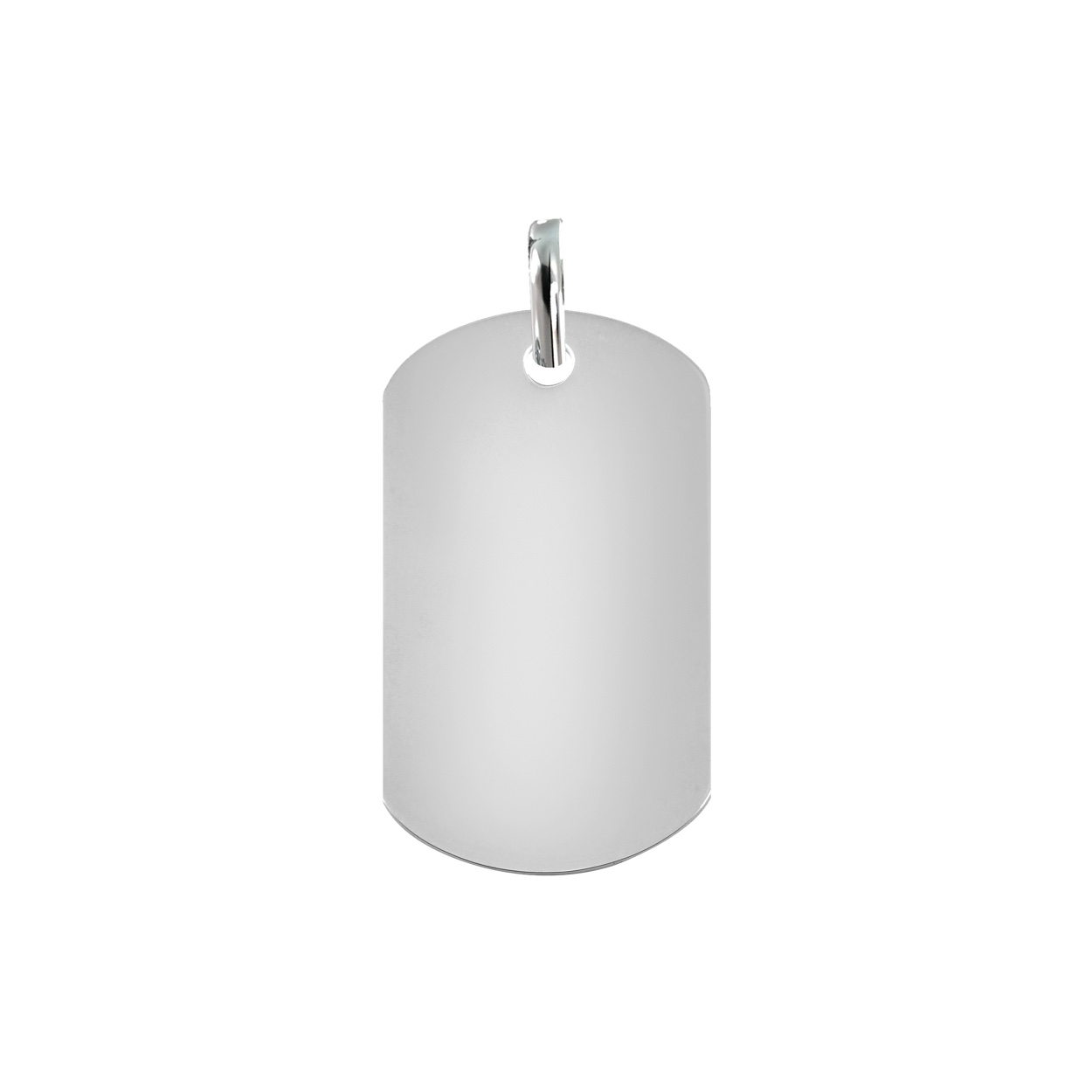
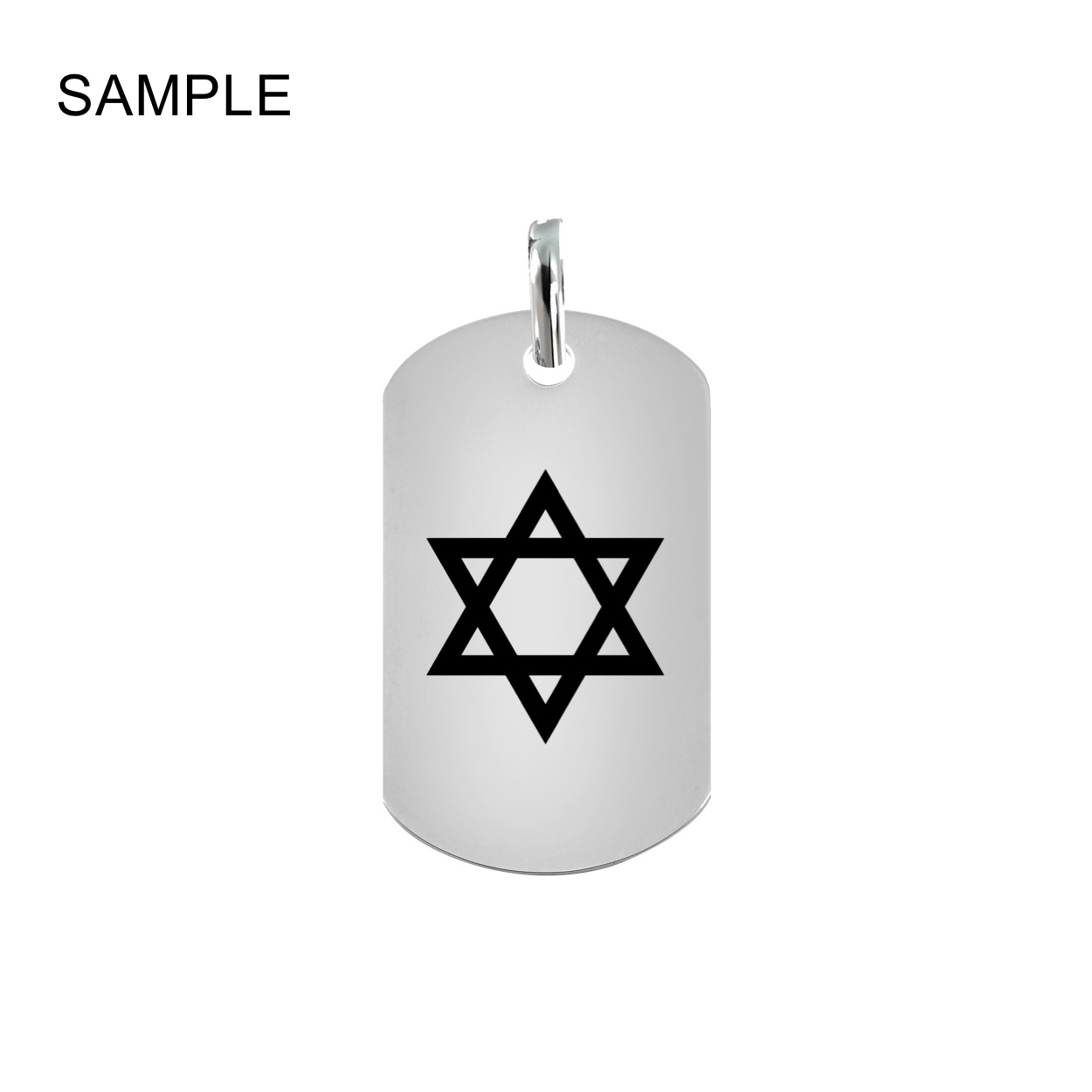
How to Personalize your Pendant:
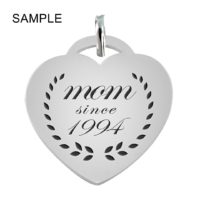
Easily customize your pendant with text or graphics with our Custom Product Tool. Select the Metal Finish and Quantity and click on the Personalized Button.
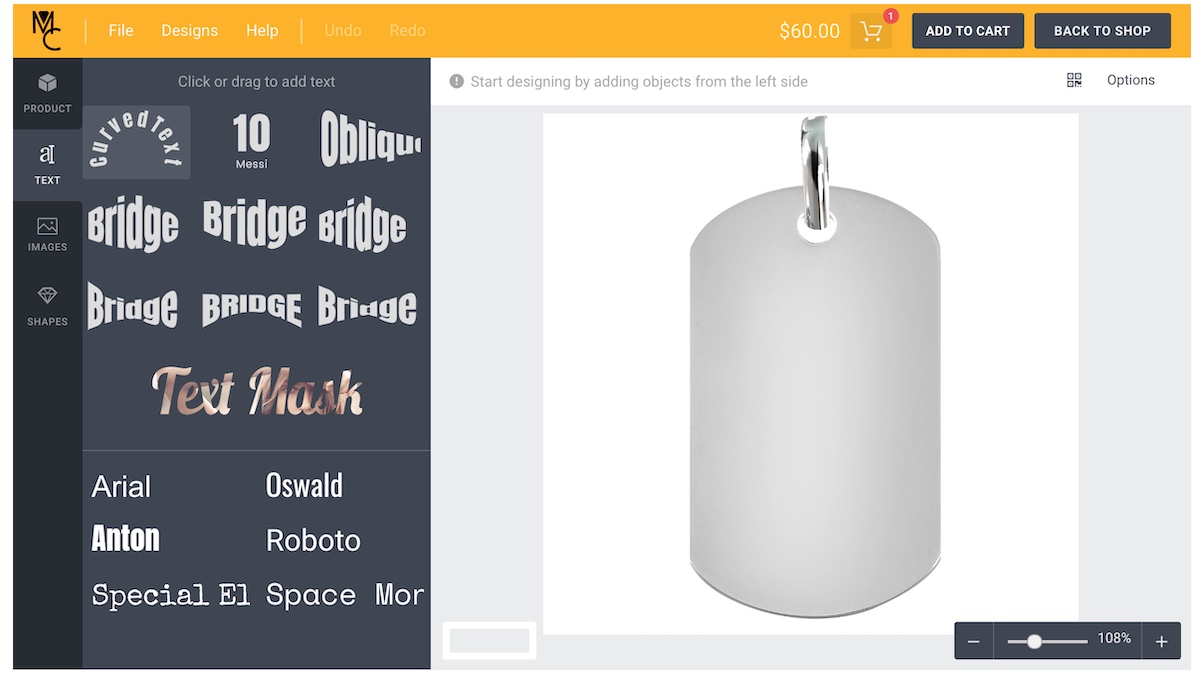
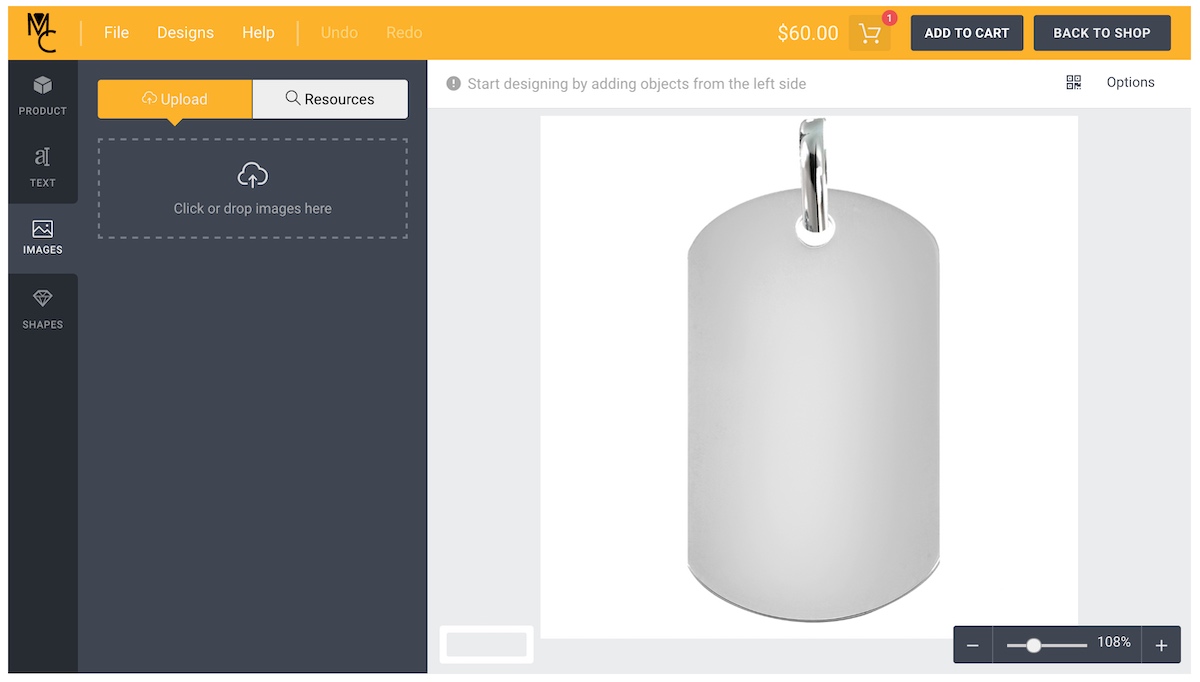
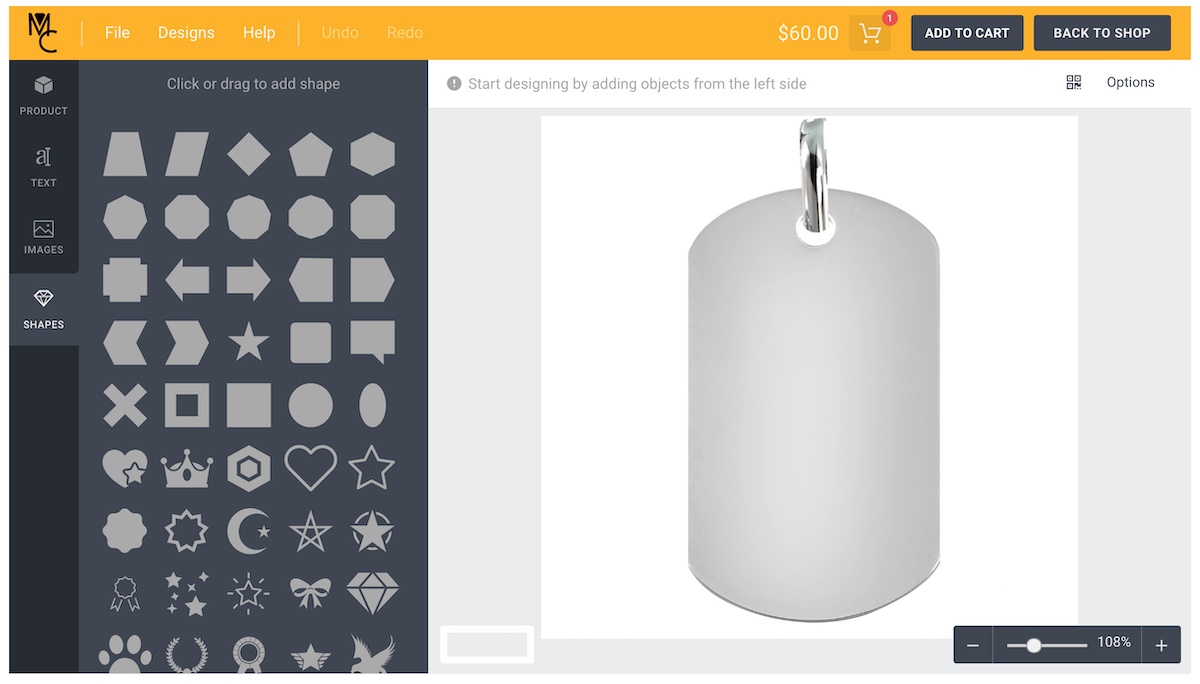
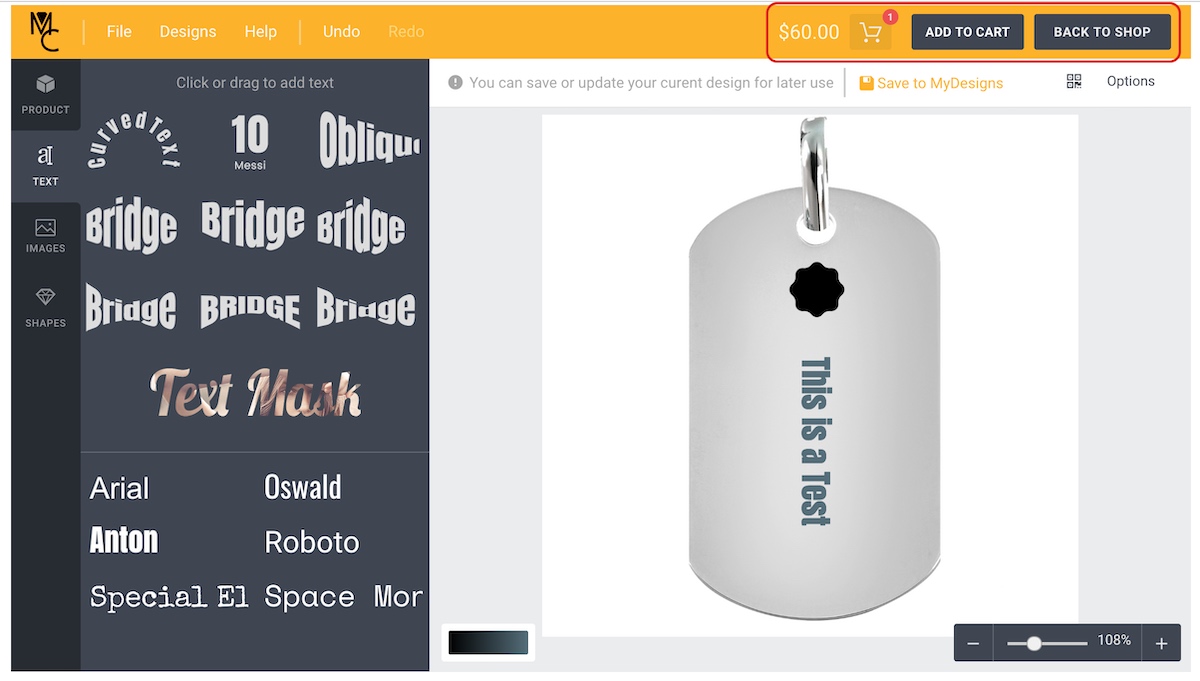
The following slider shows you the easy steps. Click on any slider to view the full screen shot:
Tab 1: Text OptionsEasily select text style, font and add any custom message or important information.Tab 2: Send your Custom ImageHave a vector image or want to engrave an image? Submit your image file from a vector to a screenshot.Tab 3: Many Shapes to ChooseThere are many shapes to choose from, select size and orientation and add to the pendant.Tab 4: Add to Cart and Checkout!Once you have designed your pendant and ready to purchase add to the cart and checkout. We will work on your order ASAP!
Previous
Next
Reviews
There are no reviews yet.